Tasks & projects app
Trello
Boards, lists and cards for organising tasks, free for up to 10 collaborators.
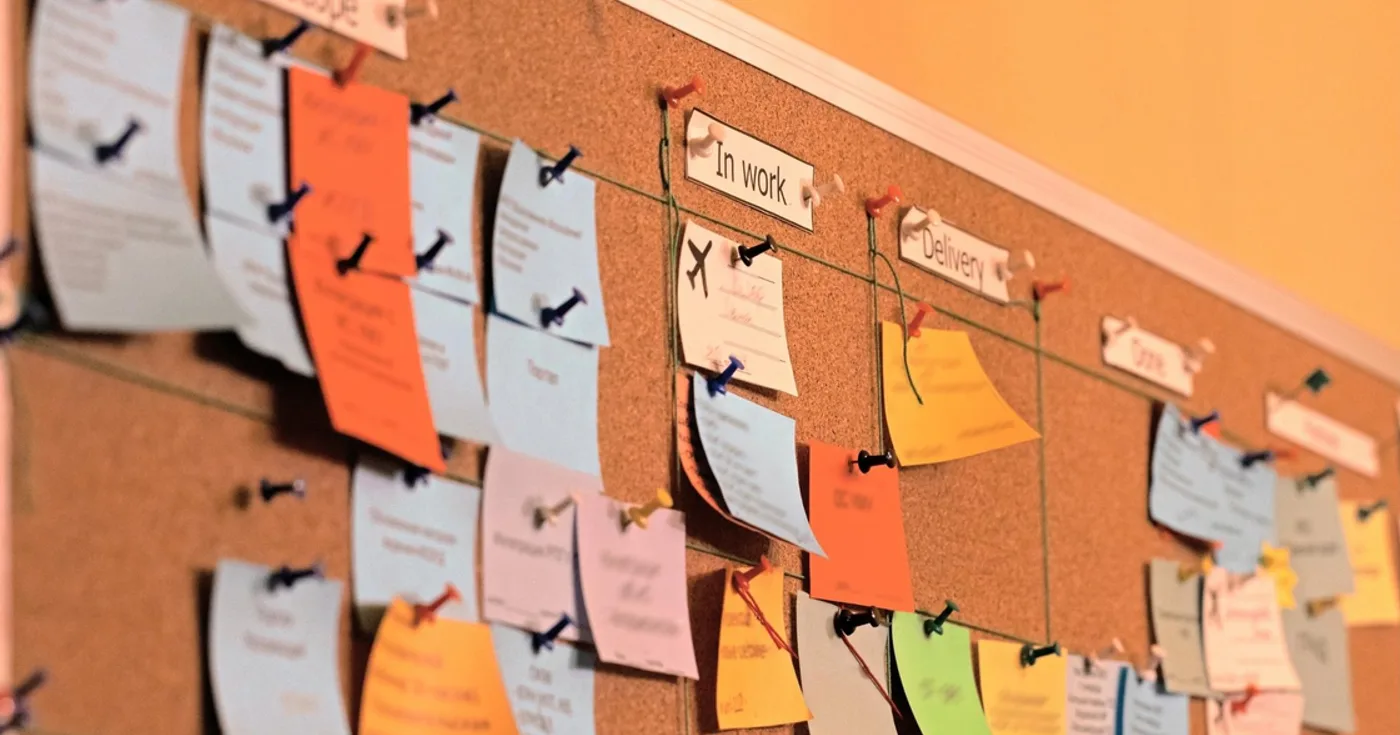
Trello organises work as boards. A board holds lists, usually one for each stage of a project, and each task is a card that you drag from one list to the next as it moves along. Cards can hold due dates, checklists, comments, files and the people assigned to them, so a whole project fits on one screen.
Fog Creek Software launched Trello in September 2011, and Atlassian, the maker of Jira, bought it in 2017. People use it for everything from team projects to moving house or planning a holiday. The free plan suits a small group: up to 10 collaborators and 10 boards in a Workspace. Paid plans remove those limits and add views such as Calendar and Timeline.
01Is Trello free?
Trello’s Free plan covers up to 10 collaborators per Workspace, up to 10 boards per Workspace and unlimited cards, with files of up to 10 MB each. Standard, Premium and Enterprise are charged per user each month and add unlimited boards, more views such as Calendar and Timeline, and admin controls.
02How to start using Trello
- 1
Sign up at trello.com with an email address or a Google, Microsoft or Apple account. Trello uses an Atlassian account.
- 2
Create a board for one project, then add lists for each stage, such as To do, Doing and Done.
- 3
Add a card for each task. Open a card to add a due date, a checklist, a description or a file.
- 4
Drag cards from list to list as the work moves along.
- 5
Invite people with Share at the top of the board, and assign cards to them so everyone sees who is doing what.
03Is Trello safe?
Public boards
A board can be set to Public, which lets anyone with the link see it. Search engines do not index public boards, but a shared link can travel. Check the visibility in the board menu before adding anything private.
Two-step verification
Turn on two-step verification in your Atlassian account settings, so a stolen password alone cannot open your boards.
Power-Ups
Power-Ups connect other apps to a board and can read its contents. Only add the ones you need, from developers you recognise.