Email app
Gmail
Google’s free email service, included with every Google Account.
Gmail is the email service that comes with every Google Account. You can use it in a web browser, in the Gmail app for iPhone and Android, or in another mail app such as Apple Mail or Outlook, which connects to Gmail over IMAP or POP.
Google launched Gmail in April 2004 with 1 GB of storage, far more than other free email services offered at the time. A free account now has 15 GB, shared with Google Drive and Google Photos, so a full Drive can stop new mail arriving. Accounts created since 9 March 2026 start with 5 GB and get the rest once a phone number is verified. Businesses and schools use Gmail through Google Workspace, where an administrator manages accounts and can restore deleted mail for a limited time.
01Is Gmail free?
A personal Gmail account is free. It comes with 15 GB of storage shared with Google Drive and Google Photos, and new accounts start with 5 GB until a phone number is verified. When that fills up, more space comes from a paid Google One plan. Businesses pay for Google Workspace, which adds an address on their own domain and admin controls.
02How to start using Gmail
- 1
Create a Google Account, choosing your name, birthday and the username that becomes your address. Our step-by-step guide covers each screen.
- 2
Open mail.google.com on a computer, or install the Gmail app on iPhone. On Android it is usually already installed.
- 3
Add a recovery phone number and email address in your Google Account, so you can get back in if you forget the password.
- 4
Add a signature with how to add a signature in Gmail.
- 5
Find old mail with Search mail at the top. Gmail is built around search and labels rather than folders.
03Is Gmail safe?
Two-step verification
Turn on 2-Step Verification at myaccount.google.com, under Security. A stolen password alone then cannot open your mail.
Phishing
Gmail filters most spam and warns on suspicious messages, but some scams still arrive. Google never asks for your password by email; check the sender’s full address before you click a link.
Who reads your email
Gmail does not use the content of your messages to choose ads. Automated systems scan mail for spam and malware. Mail is encrypted in transit when the other provider supports it, but it is not end-to-end encrypted.
What works and what does not
04Gmail guides and posts
 How to mark all emails as read in Gmail1 min
 How to block someone on Gmail1 min
 How to create a label in Gmail2 min
 How to attach a file in Gmail1 min
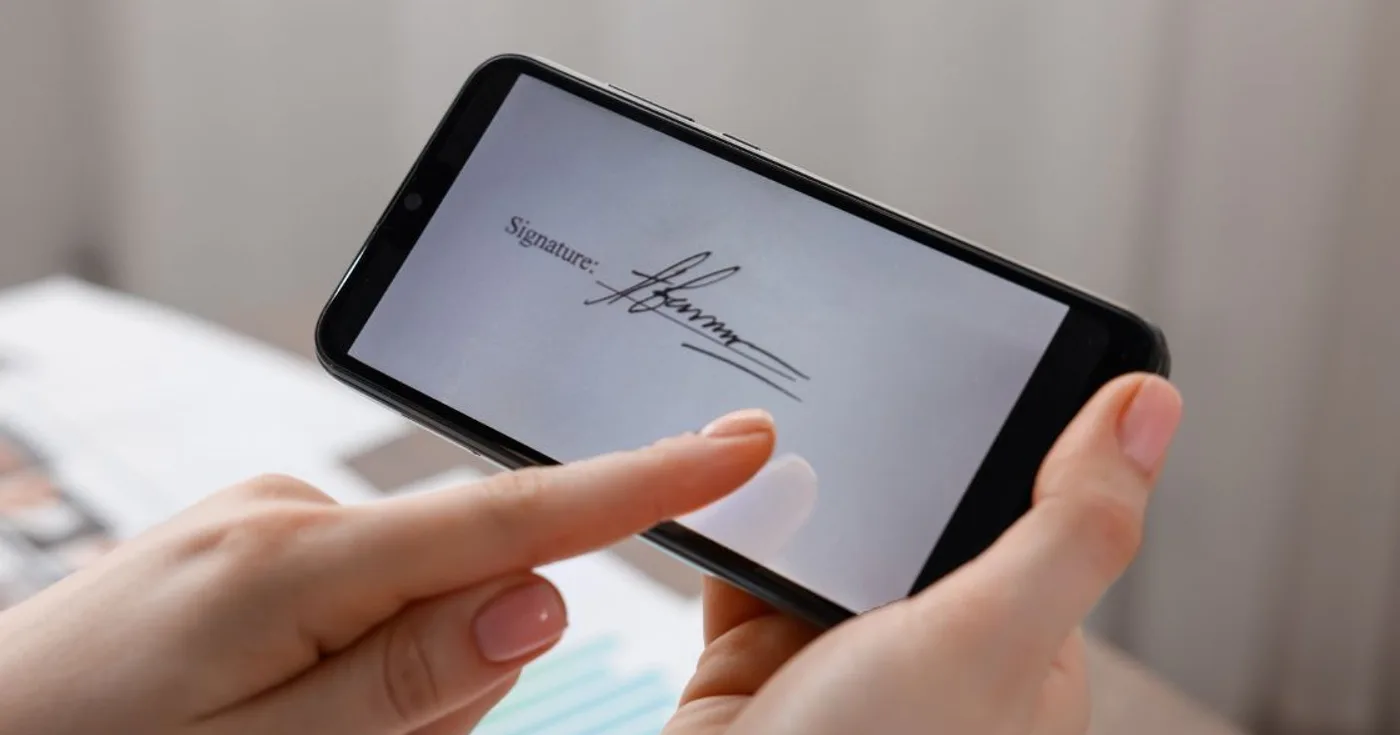 How to add a signature in Gmail4 min
 How to create a Gmail account5 min
 How to recover deleted emails in Gmail10 min
 How to set up Gmail filters that archive and label your mail20 min
 How to unsend or schedule an email in Gmail5 min
 Privacy & ownershipWhat happens to your accounts when you lose your phone3 min read
 Privacy & ownershipWhat happens when you delete a Gmail message3 min read
 Paying lessWhat happens when your Google storage is full3 min read
 Privacy & ownershipWhy the username you want is always taken, and how to pick one you will keep4 min read
 NewsWhat is Appcyclopedia?2 min read